10 Best Nintex Alternatives for Enterprise Process Automation in 2026
Sponsored by FlowForma
Quick answer: For enterprises on Microsoft 365, the strongest Nintex alternatives are FlowForma Process Automation and Microsoft Power Automate, with WEBCON BPS for hybrid SharePoint estates. Enterprises that need a separate BPM suite across many non-Microsoft systems should look at Appian, Pega or Camunda, and teams already standardized on ServiceNow can keep workflows there.
Enterprise teams replacing Nintex face a bigger choice than smaller teams. The question is not only which tool to buy, but whether automation should stay inside Microsoft 365 or move to a separate enterprise BPM suite. That choice shapes who builds processes, where process data lives and how long it takes to get the first process live.
The timing matters too. Nintex ended support for Nintex for Office 365 on December 31, 2025, and the add-in stopped running when Microsoft retired SharePoint add-ins from April 2, 2026. SharePoint Server 2016/2019 left Microsoft support on July 14, 2026, which has pushed many enterprises to plan a move to SharePoint Online at the same time.
This guide compares ten Nintex alternatives for enterprise process automation, split into the two groups enterprises actually choose between. It also covers complex approval workflows in Microsoft 365, manufacturing workflows on SharePoint and replacements for Nintex K2.
Two paths: Microsoft 365-native platform or enterprise BPM suite
Most enterprise shortlists mix both kinds of tool, which makes comparisons confusing. Separating them first makes the decision much clearer.
| Factor | Microsoft 365-native platforms | Enterprise BPM suites |
|---|---|---|
| Where processes run | Inside Microsoft 365 and SharePoint | On a separate platform |
| Who builds | Business teams, with IT governance | Developers or trained analysts |
| Time to first live process | Days to weeks | Weeks to months |
| Where data lives | Usually the Microsoft 365 environment | The vendor's cloud or the organization's servers |
| Best for | Microsoft 365 enterprises replacing Nintex for SharePoint | Enterprises orchestrating many non-Microsoft systems |
| Examples | FlowForma Process Automation, Power Automate, WEBCON BPS, NITRO Studio | Appian, Pega, Camunda, ServiceNow, Bizagi, Decisions |
For an enterprise that already runs on Microsoft 365, a native platform usually replaces Nintex with less disruption, because processes stay where people already work. A BPM suite makes more sense when the processes being automated live mostly outside Microsoft 365, or when Nintex is only one part of a wider transformation program.
A practical way to choose is to look at where each Nintex workflow starts and ends. If most begin with a SharePoint list, a form or an Outlook request and finish with a document or record in SharePoint, a Microsoft 365-native platform is usually the shorter route. If most start or finish in systems such as an ERP, a CRM or a custom line-of-business application, an enterprise BPM suite is worth the longer build. Many enterprises find they have both kinds, which is why the options below are split into two groups.
The 10 Nintex alternatives at a glance
| Platform | Group | Best for | Pricing model |
|---|---|---|---|
| FlowForma Process Automation | Microsoft 365-native | Complex, governed processes built by business teams | Published, per process |
| Microsoft Power Automate | Microsoft 365-native | Flows, integrations and desktop automation | From $15 per user per month |
| WEBCON BPS | SharePoint-integrated | Hybrid and on-premises SharePoint estates | Free edition; paid plans per user |
| Crow Canyon NITRO Studio | SharePoint-integrated | SharePoint list apps and service requests | From $5,988 per year for 100 users |
| Appian | Enterprise BPM suite | Cross-department case management | Per user, per app; quoted |
| Pega | Enterprise BPM suite | Rules-driven, mission-critical processes | Quoted; free Community Edition |
| Camunda | Enterprise BPM suite | Developer-led orchestration | Free for development; production quoted |
| ServiceNow | Enterprise platform | Workflows inside an existing ServiceNow estate | On request |
| Bizagi | Enterprise BPM suite | BPMN modeling with automation | Modeler free, platform on request |
| Decisions | Enterprise BPM suite | Rules-heavy and on-premises automation | On request |
What to check in an enterprise Nintex replacement
Enterprise evaluations go further than feature lists. These are the areas that separate a workflow tool from a platform that can carry an organization's processes for years:
| Area | What to check |
|---|---|
| Workflow depth | Sequential, parallel and conditional approvals, escalations and delegation |
| Forms and documents | Rich forms, Word and PDF generation and e-signature in the same process |
| Integration | Microsoft 365, SAP, Oracle, Salesforce and REST APIs |
| Governance | Audit trails, versioning and control over who can publish a process |
| Security | Single sign-on, role-based access and independent certification such as ISO/IEC 27001 |
| Who builds | Whether business users can build on their own, or every change needs a developer |
| Data residency | Where process data is stored, and whether it stays in the organization's environment |
| Licensing model | Per user, per process, per application or consumption-based |
| Migration | Help with moving Nintex workflows, and a realistic timeline |
Microsoft 365-native and SharePoint-integrated options
These four platforms keep processes in or close to Microsoft 365 and SharePoint, which is where most Nintex workflows were built.
1. FlowForma Process Automation
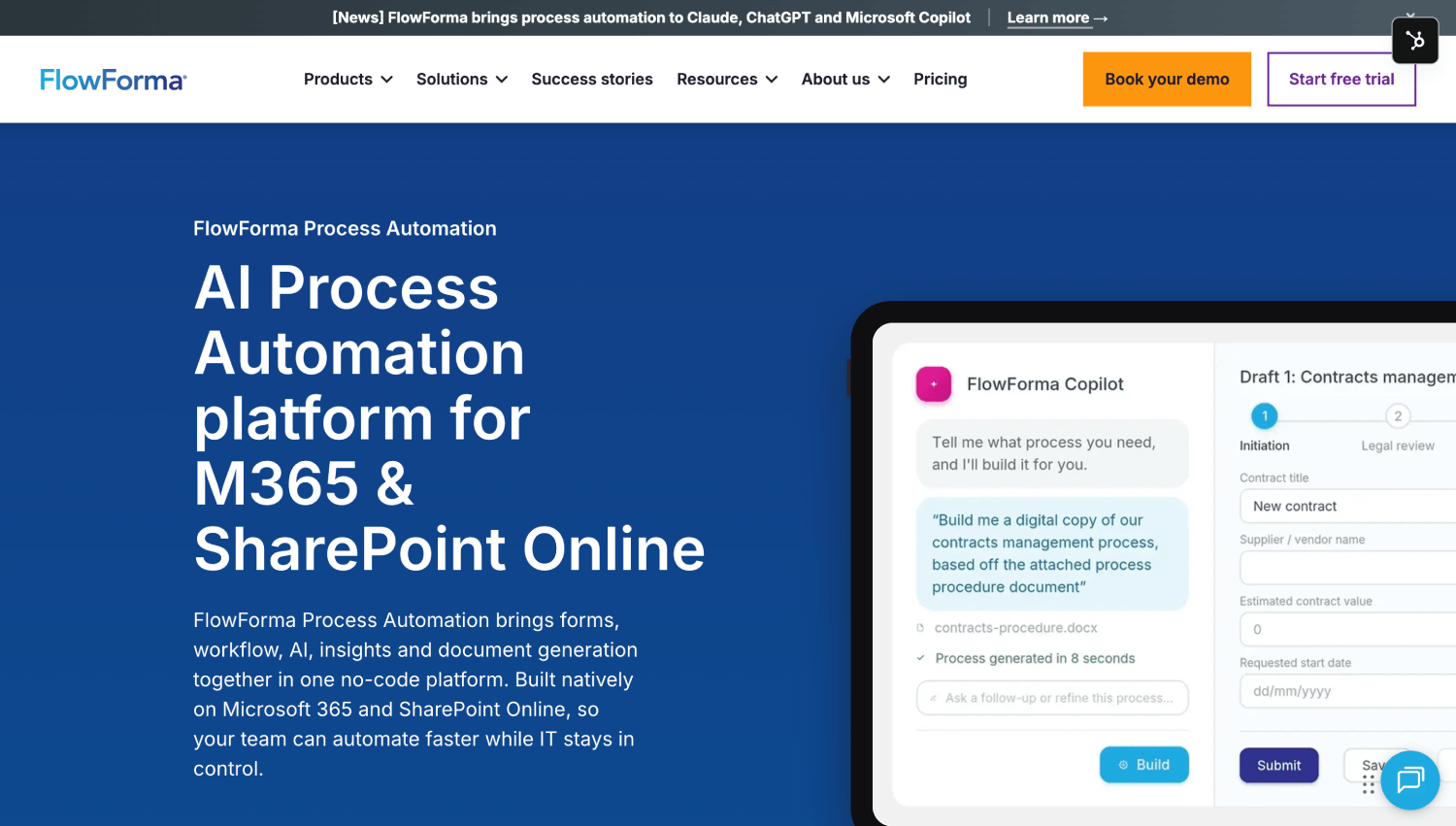
Best for: Enterprises on Microsoft 365 that want business teams to build complex, governed processes without a separate BPM suite.
FlowForma Process Automation is an AI-powered, no-code platform for automating business processes, built natively on SharePoint Online and Microsoft 365. It brings together everything a process needs in one place: dynamic forms to capture data, a powerful workflow engine that orchestrates people, systems and AI agents, and real-time reporting and insights. Business teams can build and run smart processes, from simple requests to complex, multi-stage workflows, while IT keeps full control over governance, security and compliance.
For enterprises, the appeal is scale without a second platform. Process data stays in the organization's own Microsoft 365 tenancy, and the platform connects to SAP, Oracle and DocuSign, and to thousands of other systems through REST APIs. Utah's Department of Health and Human Services, with 6,000+ staff across 150 offices, reports an "87% improvement in contract management, reducing processing time from two months to one week".
What it does well: Complex, multi-stage approvals built on a workflow and rules engine, Word and PDF document generation in every plan, full audit trails, and FlowForma Copilot for building a process from a document or diagram. It is ISO/IEC 27001:2022 certified, supports Microsoft 365 GCC and is a Microsoft AI Cloud Partner.
Where it falls short: It needs Microsoft 365 with SharePoint Online and does not run on SharePoint Server on-premises. It is not an RPA tool, so desktop automation needs a separate product.
Pricing model: Published and per process, from $3,293 per month for up to 30 processes on the Professional plan, billed annually. Enterprise pricing is based on the process estate.
Moving from Nintex: FlowForma Copilot-assisted migration, 10,000 migration credits, specialists, 2-day training and a phased go-live. Complex migrations typically take from 4 weeks, covering Nintex On-Premise, Nintex Workflow for Office 365 and Nintex K2.
2. Microsoft Power Automate
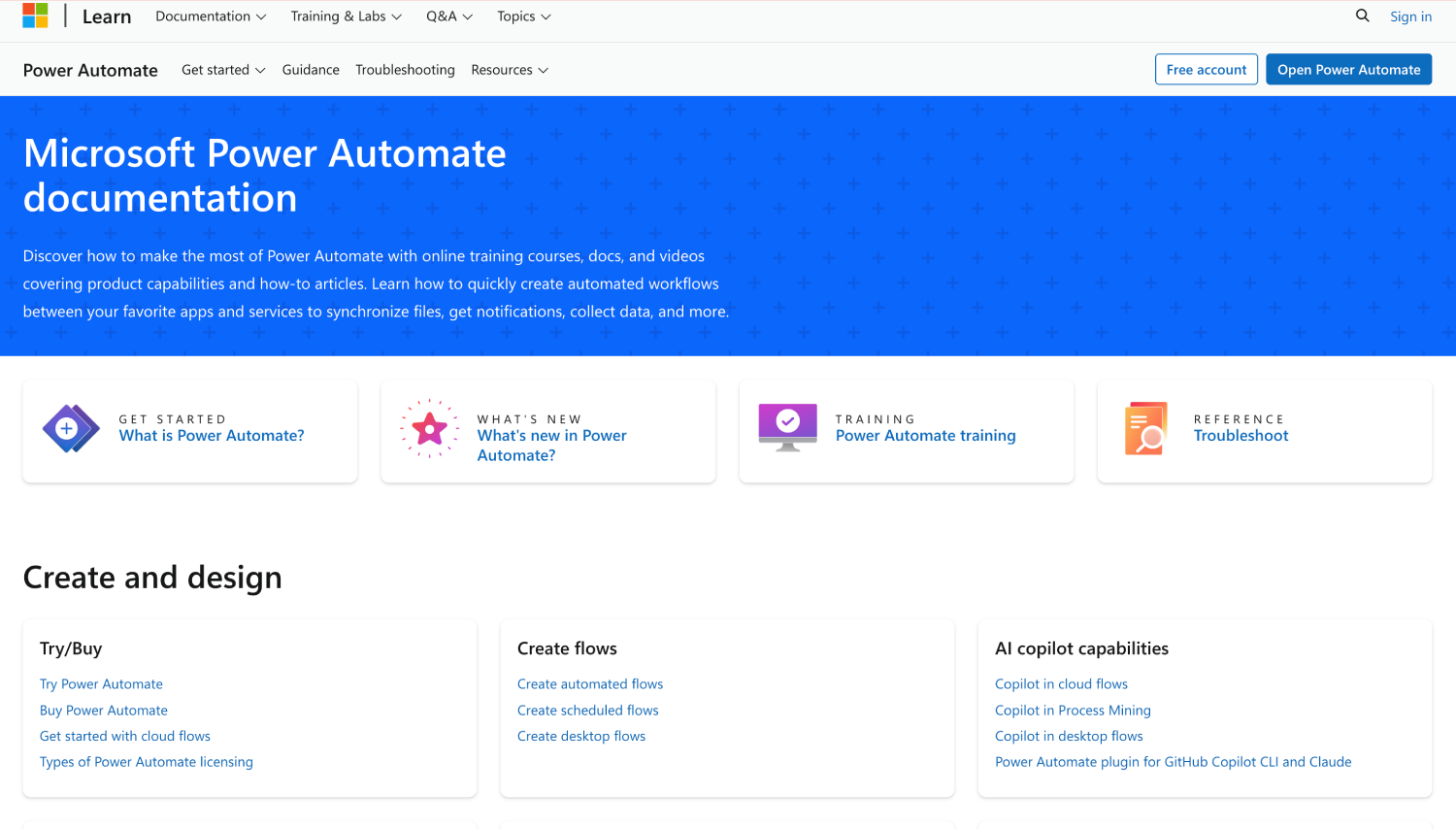
Best for: Enterprises standardizing on Microsoft's Power Platform for flows, integrations and desktop automation.
Power Automate is Microsoft's automation service. Cloud flows connect SharePoint Online, Teams, Outlook, Dynamics 365 and hundreds of other apps, desktop flows add robotic process automation, and Power Apps adds custom forms and apps on the same platform.
Many enterprises already use it for notifications, approvals and integrations, so keeping those flows in place is a natural part of leaving Nintex. For heavier business processes it often works alongside a process platform. FlowForma Process Automation, for example, can replace Power Automate for simple, medium and complex processes, or run the business process while Power Automate handles the integrations.
What it does well: Native Microsoft 365 integration, a very large connector library, approvals in Teams and Outlook, desktop automation and close ties to Dynamics 365 and Azure.
Where it falls short: Processes that need rich forms, multi-stage approvals and generated documents usually combine Power Apps and Power Automate, and large estates need careful environment and governance management, often with dedicated technical builders.
Pricing model: Power Automate Premium costs $15 per user per month and Power Automate Process costs $150 per bot per month, both billed annually. Many Microsoft 365 plans already include cloud flows with standard connectors.
Moving from Nintex: Nintex workflows are rebuilt as flows and apps, often with a Microsoft partner. Plan for rebuilding and testing, since workflows do not convert automatically.
3. WEBCON BPS
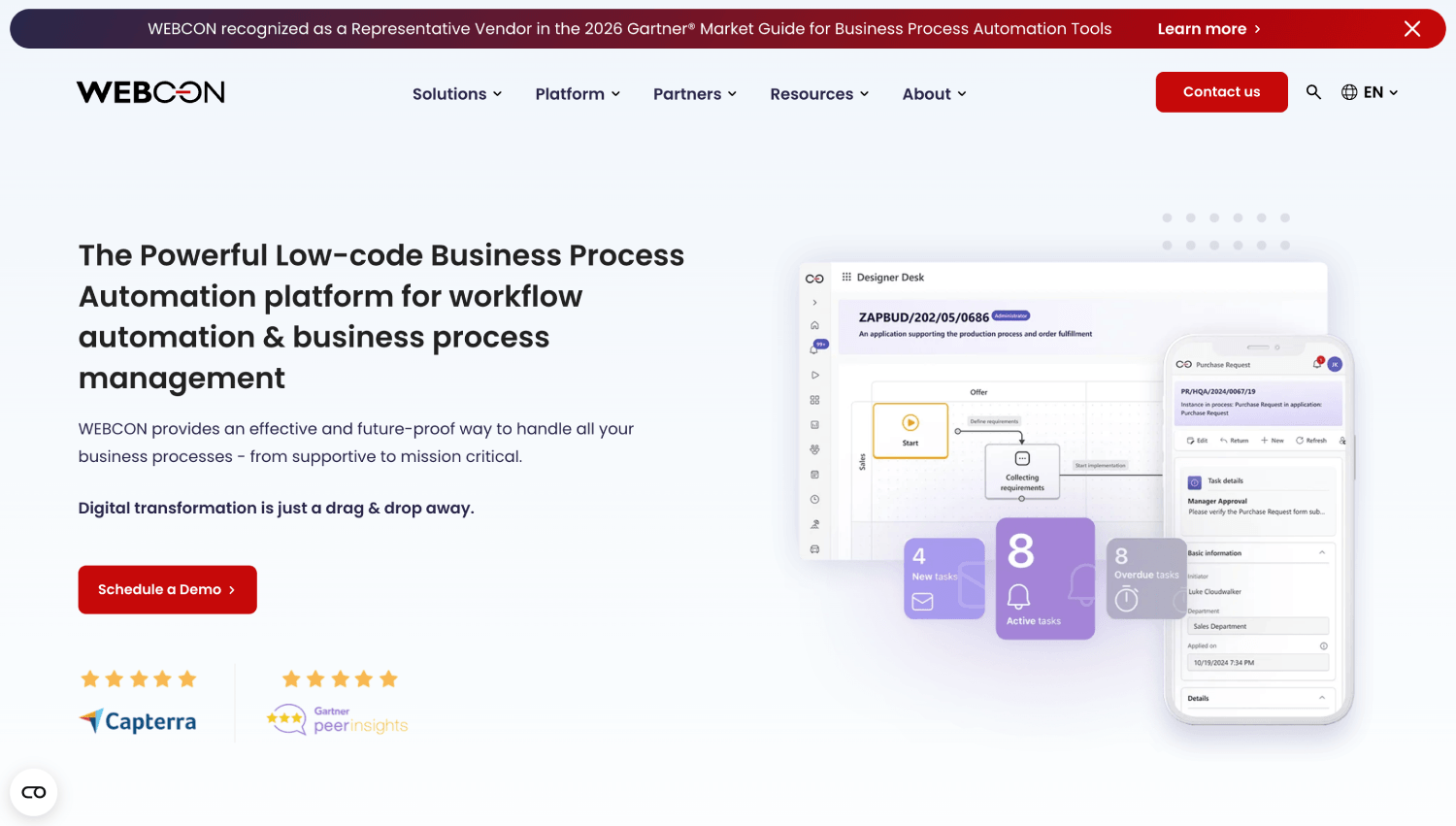
Best for: Enterprises with complex SharePoint and hybrid estates, including on-premises servers.
WEBCON BPS is a process automation platform with close SharePoint integration, document management features and support for cloud, on-premises and hybrid deployments. Its designer covers forms, workflows, reports and the data model in one place, and its InstantChange approach lets teams update running processes when the process model changes.
It is a common choice for manufacturers and other enterprises that run audited, multi-department processes such as engineering change requests and quality approvals, and that still keep part of their estate on SharePoint Server while they plan a wider move to the cloud.
What it does well: Audited multi-department workflows, document-centric processes, quick changes to live applications and hybrid SharePoint environments.
Where it falls short: Larger projects usually run with a partner, and business users often need training before they build on their own. Smaller programs may find it more platform than they need.
Pricing model: A free Freemium edition can run in production up to a 10 GB database on a single environment. Paid plans are per-user subscriptions, available as SaaS, private cloud or on-premises, with larger deployments quoted.
Moving from Nintex: Workflows are rebuilt with the vendor or a partner. The vendor publishes guidance for teams leaving Nintex, covering both SharePoint Online and on-premises workflows. Ask whether existing SharePoint lists and libraries can be reused.
4. Crow Canyon NITRO Studio
Best for: SharePoint-centric teams that want list-based apps, service desk and request management.
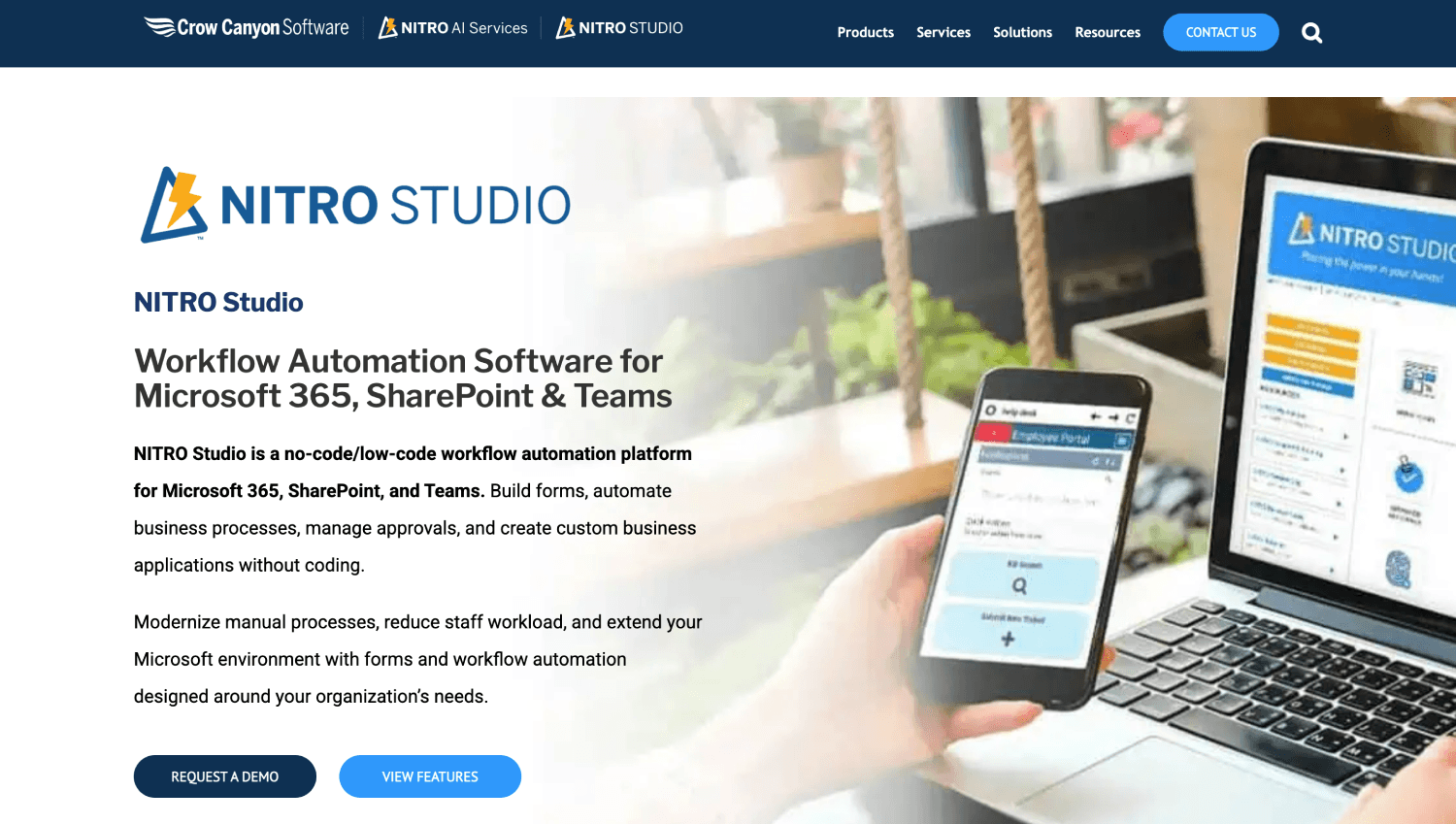
NITRO Studio from Crow Canyon is a no-code and low-code app builder that runs in Microsoft 365, Teams and SharePoint, including SharePoint on-premises. It adds custom forms, workflows and dashboards to SharePoint lists, and Crow Canyon also offers ready-made apps for help desk, asset and request management. Those ready-made apps are separately licensed add-ons built on NITRO Studio.
In operations-heavy settings such as manufacturing, teams use it for maintenance requests, quality requests and production approvals that sit close to where people already work in SharePoint. Crow Canyon also publishes a large library of Nintex replacement guides and videos for SharePoint teams.
What it does well: SharePoint list apps, service desk and request workflows, asset tracking, and forms that live inside SharePoint, with dashboards that give managers a view of open work.
Where it falls short: For complex, multi-stage enterprise processes with generated documents, ask for a no-code demo of the exact process before deciding, since the right setup depends on which modules a process needs.
Pricing model: Flat annual pricing per tenant, starting at $5,988 per year for up to 100 users, with a 30-day free trial. The ready-made apps are licensed separately.
Moving from Nintex: Workflows are rebuilt in NITRO Studio, with vendor services available for larger estates and more complex SharePoint environments.
Enterprise BPM suites and platforms
These six run as separate platforms. They fit best when processes span many non-Microsoft systems, or when replacing Nintex is part of a larger transformation program.
5. Appian

Best for: Large enterprises running complex, cross-department case management.
Appian is an enterprise low-code platform for process automation, case management and data-heavy applications. It combines workflow, business rules, robotic process automation, document processing and AI features, with a data layer that pulls records together from many systems. Teams build apps in a visual designer, and the platform runs in Appian's cloud or the organization's own environment.
It often tops enterprise shortlists in banking, insurance, healthcare and government, where processes span many systems and departments. It also offers process mining, which shows where work slows down before a process is automated. For Nintex customers, it fits best when the replacement is part of a wider program to modernize core operations, not a like-for-like swap of SharePoint workflows.
What it does well: Orchestration across many systems, case management at scale, the security and governance features that mission-critical processes need, and strong analyst coverage that helps procurement teams justify the choice.
Where it falls short: Projects usually need trained developers or an implementation partner, so the time to the first live process is longer, and business users rarely build on their own.
Pricing model: Standard, Advanced and Premium tiers, priced per user, per month, per app through sales. Appian does not publish list prices.
Moving from Nintex: Typically a partner-led rebuild with a discovery phase, especially for complex Nintex K2 applications.
6. Pega
Best for: Rules-driven, mission-critical processes and customer-facing case management.
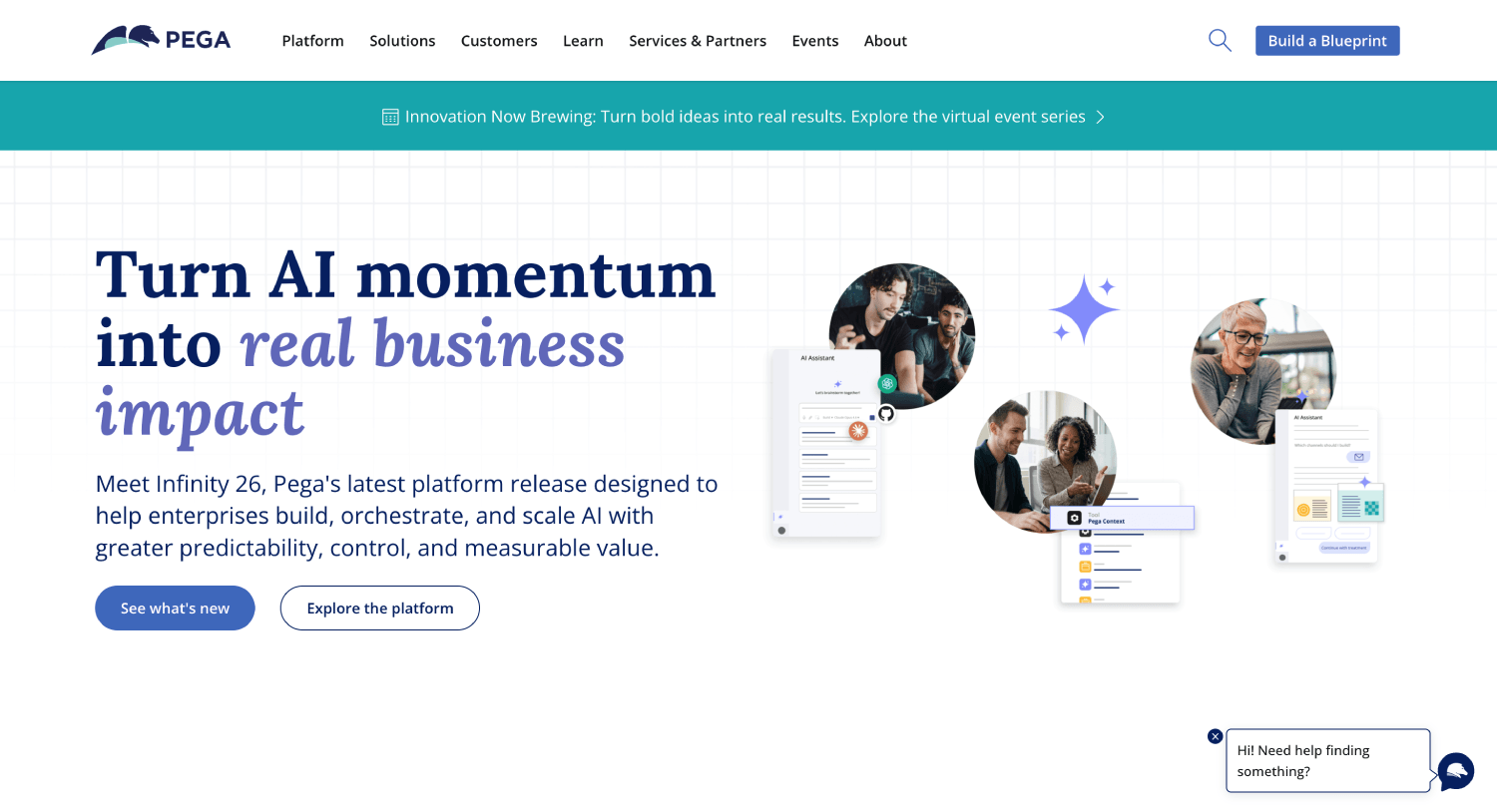
Pega's platform combines case management, business rules, AI decisioning and workflow, and it can run in Pega's cloud or in the organization's own environment. Its Blueprint tool uses generative AI to turn an idea into a draft application design, so business and IT teams can agree on cases, data and steps before building. Its AI decisioning engine recommends the next best action for each case, which is why it is popular in customer service.
It is a common choice for large banks, insurers, healthcare organizations and public agencies with complex, rules-driven processes, especially where customer service and back-office work need to share one process model. Many deployments run for years and grow into dozens of connected applications.
What it does well: Complex decisioning, case management and customer journey orchestration across large, regulated operations.
Where it falls short: Implementation is typically a significant program with specialist skills, and it can be more platform than a Microsoft 365-centric organization needs to replace Nintex. Business users rarely build on their own.
Pricing model: On request, with a free Community Edition and the Blueprint design tool for evaluation.
Moving from Nintex: A partner-led rebuild, best suited to organizations where replacing Nintex is part of a wider process transformation. Expect a discovery phase to map which Nintex workflows become Pega cases.
7. Camunda
Best for: Developer-led orchestration across microservices, APIs and people.
Camunda is a process orchestration platform built on the BPMN and DMN standards. Developers model processes visually, then run them on Camunda's engine in the cloud or self-managed, connecting services, APIs and human tasks in one flow. Its modeler is shared by business analysts and developers, so the diagram that describes a process is the same one that runs it.
It suits enterprises with strong engineering teams that want full control over long-running, high-volume processes, such as order handling or customer onboarding flows that touch many systems. It is less common as a direct replacement for SharePoint-based Nintex workflows, but it often appears when Nintex was used to coordinate work across several back-end systems.
What it does well: Standards-based modeling, high-volume orchestration and technical flexibility for complex system landscapes.
Where it falls short: It is built for developers, so business users do not build processes on their own, and forms and document generation usually need extra tools.
Pricing model: Free for development and non-production use, plus a free SaaS tier for BPMN and DMN modeling. Production use needs an Enterprise license quoted by sales.
Moving from Nintex: Developers rebuild processes in BPMN, while Nintex forms move to a separate tool. Plan time for the engineering team to set up deployment, monitoring and access control.
8. ServiceNow
Best for: Enterprises that already run IT, HR or customer service on ServiceNow.
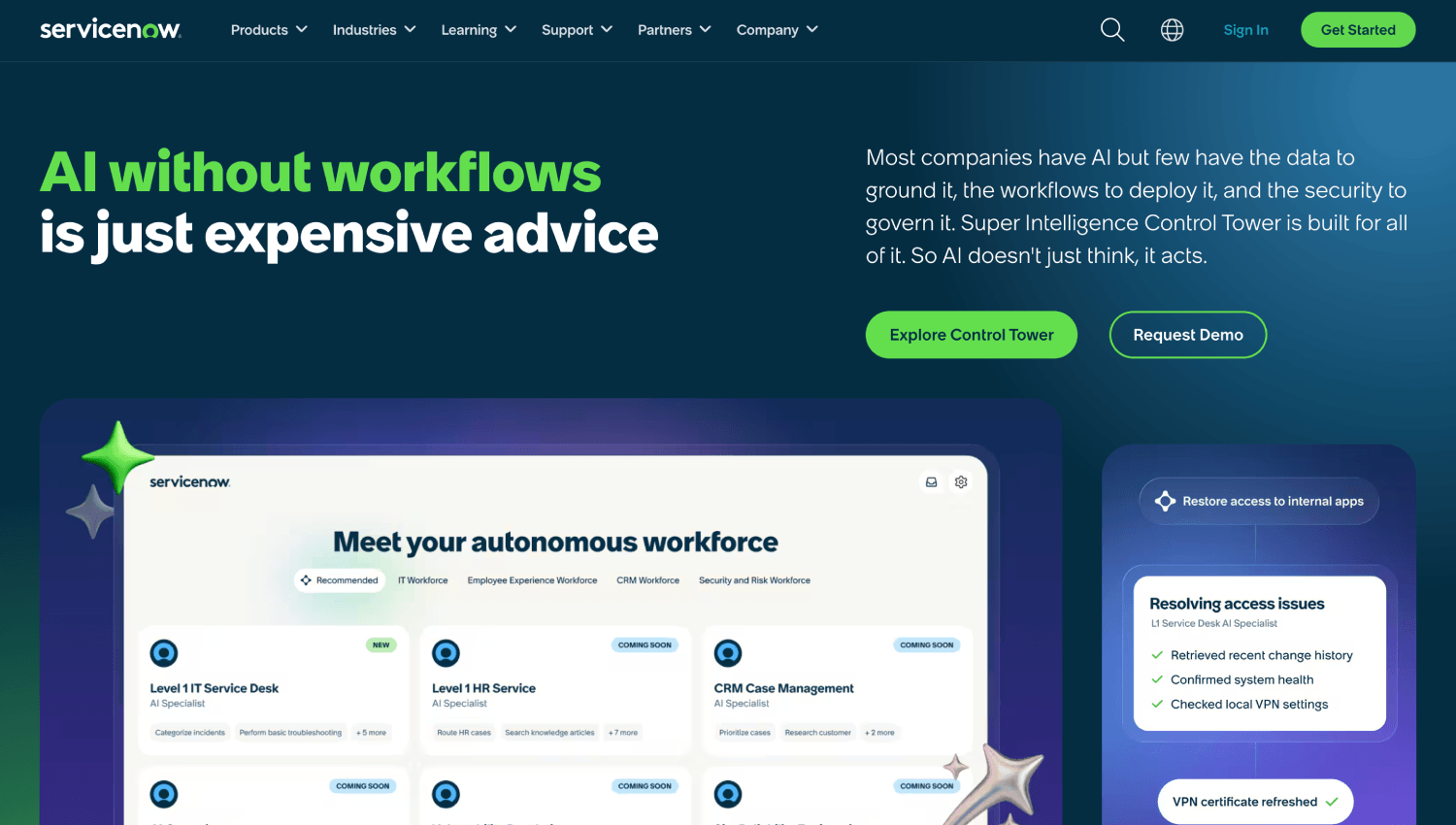
ServiceNow's platform includes App Engine and workflow tools that let teams build approval workflows and apps on the same data and service catalog used for IT, HR and customer service. Workflow Studio gives process owners a visual way to design flows, and Integration Hub, sold as a separate subscription, connects it to systems outside ServiceNow.
For organizations already standardized on ServiceNow, moving Nintex request and approval workflows into the same platform reduces the number of tools and keeps employee requests in one portal with one set of reports. It also brings ServiceNow's reporting, service-level tracking and mobile apps to processes that previously ran in SharePoint.
What it does well: Service requests, approvals tied to IT and HR services, a single employee portal and strong operational reporting.
Where it falls short: Its best value comes when the organization already uses ServiceNow, and document-heavy processes built around SharePoint may not fit as naturally.
Pricing model: Quoted by sales, with no public list prices.
Moving from Nintex: Workflows are rebuilt with ServiceNow or a partner, often as part of a wider service management program. Request-style workflows are the easiest place to start, since they map directly onto the service catalog.
9. Bizagi

Best for: Enterprises that want structured BPMN modeling alongside automation.
Bizagi combines a free process modeler with a platform for building and running process applications, either in Bizagi's cloud or on the organization's own servers. Teams document processes in BPMN, then automate them with forms, business rules and integrations. Its studio lets analysts turn those models into running applications without starting from scratch.
It suits process excellence and transformation teams that want to map and standardize processes before automating them, and it appears often in enterprise BPM comparisons for that reason. Many teams start with the free modeler to document how their Nintex processes work today, then decide which ones to automate on Bizagi and which to move elsewhere.
What it does well: BPMN modeling, process documentation and case management for teams that start with process design.
Where it falls short: Building full applications usually needs trained analysts, and it is not native to Microsoft 365, so SharePoint-based processes need integration work.
Pricing model: The modeler is free, and the platform is priced on request.
Moving from Nintex: Teams usually model their Nintex processes first, then rebuild them as Bizagi applications.
10. Decisions (now including ProcessMaker)
Best for: Rules-heavy automation, including on-premises deployments.
Decisions merged with ProcessMaker in November 2025 and has traded as one Decisions brand since June 2026. The combined platform is known for its rules engine, visual process modeling and the choice of cloud or on-premises deployment.
It suits enterprises whose processes depend on many business rules, such as eligibility, pricing or compliance decisions, and former ProcessMaker customers are now evaluating the combined product as part of the same decision. Its flowchart designer and rules tools are shared across workflows, so one rule change can update many processes at once.
What it does well: Complex business rules, flowchart-style modeling and deployment flexibility, including on-premises setups for organizations that cannot move everything to the cloud.
Where it falls short: It leans toward technical and analyst teams, so business users usually need training before building on their own, and simple processes can take longer to set up than in no-code tools.
Pricing model: Quoted by sales, with no public list prices.
Moving from Nintex: Workflows are rebuilt with the vendor or a partner. Ask how the merger affects the roadmap and support for both former product lines, and plan to test rules carefully during the rebuild.
Nintex alternatives for complex approval workflows in Microsoft 365
An approval becomes complex when it has several stages, parallel reviewers, routing that changes by value or region, escalations and delegation, approvers outside the organization, and a document generated at the end. Many Nintex estates are full of these processes, and the replacement has to handle them without custom code.
Inside Microsoft 365, FlowForma Process Automation handles complex, multi-stage approvals with its workflow and rules engine. Its Engage feature brings suppliers, contractors and customers into an approval through a web link, without a Microsoft 365 license. Nipro Europe now sends 10 automatic emails per approval, down from as many as 40 by hand, and has standardized 26 sites.
Microsoft Power Automate handles approvals well inside Teams and Outlook, especially for simpler routing. WEBCON BPS covers complex, audited approvals in hybrid estates, and Appian or Pega fit approvals that are part of larger cross-system cases.
Nintex alternatives for manufacturing workflows on SharePoint
Manufacturers that built quality and operations processes on Nintex for SharePoint need a replacement that works on the shop floor and stands up to audits. These are the processes that usually move first:
| Manufacturing process | What the platform should handle |
|---|---|
| Non-conformance reports (NCR) | Submission, containment, investigation, disposition and closure |
| Corrective and preventive actions (CAPA) | Root cause, actions, verification and sign-off |
| Engineering change requests | Impact assessment, multi-department approvals and implementation |
| Inspections and safety checklists | Mobile forms, photos and automatic follow-up actions |
| Maintenance requests | Assignment, approval and completion tracking |
| SOP and document control | Review, approval and controlled publication of new versions |
| Supplier onboarding | External forms, checks and approvals |
| Laboratory tests | Test requests, results capture and release approvals |
Across all of them, look for mobile forms for shop-floor staff, role-based approvals, a full audit history, version control and integration with ERP systems.
FlowForma Process Automation covers these processes on SharePoint Online, with the mobile app, forms, document generation and outside users included in every plan. A global pharma manufacturer reports a 50–60% efficiency improvement in artwork management, Dresser Natural Gas Solutions builds each new flow in 2 days (the first took 30), and a global food producer migrated 11 workflows off Lotus Domino. WEBCON BPS and NITRO Studio are also common picks for manufacturers that want to stay close to SharePoint.
Best Nintex K2 alternatives for enterprises
Nintex K2 is often used for application-style processes with complex forms, data and integrations, so its replacement needs more depth than a simple workflow tool. Enterprises usually take one of three paths:
Microsoft 365-centric organizations: FlowForma Process Automation, whose Nintex migration offer covers K2. The A14 Integrated Delivery Team, a Costain, Skanska and Balfour Beatty joint venture, had 24 flows built by the IT Manager himself, after rejecting Nintex, K2 and Power Apps.
Large application programs with developers: Appian or Pega, which handle complex cases and data across many systems.
Rules-heavy or on-premises estates: Decisions, which can run in the cloud or on the organization's own servers.
Before choosing, inventory each K2 application and separate the ones that are really approval workflows from the ones that are full applications. Then pilot one of each on the shortlisted platforms.
Which alternative fits each enterprise need
| Enterprise need | Best fit |
|---|---|
| Complex approvals inside Microsoft 365 | FlowForma Process Automation |
| Forms, approvals and document generation in one platform | FlowForma Process Automation |
| Integrations and desktop automation in Microsoft 365 | Microsoft Power Automate |
| Hybrid or on-premises SharePoint | WEBCON BPS, NITRO Studio, Decisions |
| Manufacturing quality workflows on SharePoint Online | FlowForma Process Automation, WEBCON BPS, NITRO Studio |
| Cross-system case management | Appian, Pega |
| Developer-led orchestration | Camunda |
| Workflows inside an existing ServiceNow estate | ServiceNow |
| BPMN modeling and process documentation | Bizagi |
| Nintex K2 applications | FlowForma Process Automation, Appian, Decisions |
Verdict
Microsoft 365 enterprises replacing Nintex: FlowForma Process Automation is the strongest fit, with no-code building for business teams, IT governance, enterprise proof and a migration offer covering Nintex Workflow for Office 365, Nintex On-Premise and Nintex K2.
Enterprises standardizing on Power Platform: Microsoft Power Automate, alone or alongside FlowForma Process Automation for complex business processes.
Hybrid or on-premises SharePoint estates: WEBCON BPS, NITRO Studio or Decisions.
Cross-system case management: Appian or Pega.
Developer-led orchestration: Camunda.
Organizations already on ServiceNow: ServiceNow.
Frequently asked questions
What is the best Nintex alternative for enterprise process automation?
For enterprises on Microsoft 365, FlowForma Process Automation is the strongest Nintex alternative, because it handles complex, governed processes inside Microsoft 365 without a separate platform. Enterprises that need a BPM suite across many non-Microsoft systems should look at Appian, Pega or Camunda.
Is FlowForma Process Automation suitable for enterprises?
Yes. It is built for organizations with more than 100 staff on Microsoft 365, is ISO/IEC 27001:2022 certified, supports Microsoft 365 GCC and has more than 300,000 users. Enterprise customers include Aon, Grant Thornton and Utah's Department of Health and Human Services.
Which Nintex competitors run inside Microsoft 365?
FlowForma Process Automation and Microsoft Power Automate run natively inside Microsoft 365, and Crow Canyon NITRO Studio is built on SharePoint and Microsoft 365. WEBCON BPS integrates closely with SharePoint and also supports on-premises deployments.
What is the best Nintex alternative for complex approval workflows in Microsoft 365?
FlowForma Process Automation handles complex, multi-stage approvals inside Microsoft 365, including outside approvers and generated documents. Microsoft Power Automate suits simpler approvals in Teams and Outlook.
What is the best Nintex alternative for manufacturing workflows on SharePoint?
FlowForma Process Automation covers quality, inspection, change and supplier processes on SharePoint Online with mobile forms and full audit trails. WEBCON BPS suits hybrid estates, and NITRO Studio suits SharePoint list-based maintenance and request apps.
What are the best Nintex K2 alternatives?
FlowForma Process Automation suits Microsoft 365-centric organizations, and its Nintex migration offer covers K2. Appian and Pega suit large application programs with developers, and Decisions suits rules-heavy or on-premises estates.
Is Power Automate enough to replace Nintex in an enterprise?
For simple flows and integrations, often yes. For processes that combine rich forms, multi-stage approvals and generated documents, many enterprises add a process platform. FlowForma Process Automation can replace Power Automate for simple, medium and complex processes, or run alongside it.
How long does an enterprise Nintex migration take?
It depends on the number and complexity of workflows. FlowForma reports that complex migrations to FlowForma Process Automation typically take from 4 weeks, with a phased go-live, while BPM suite rebuilds usually take longer because they are developer-led.
Tags
About the Author
Helping firms leverage AI for growth and efficiency
Related Articles


See how AI agents fit your team
US Tech Automations builds and runs the AI agents that handle this work end to end, so your team doesn't have to.
View pricing & plans